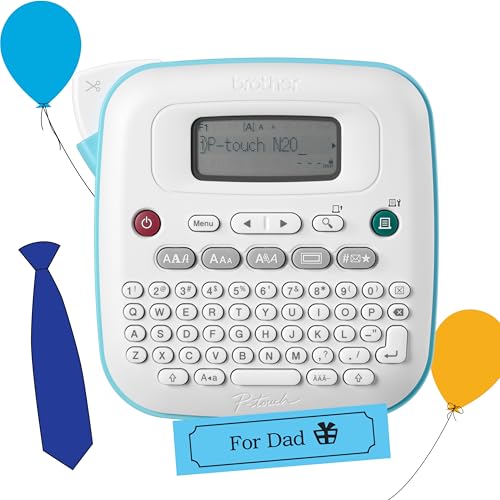
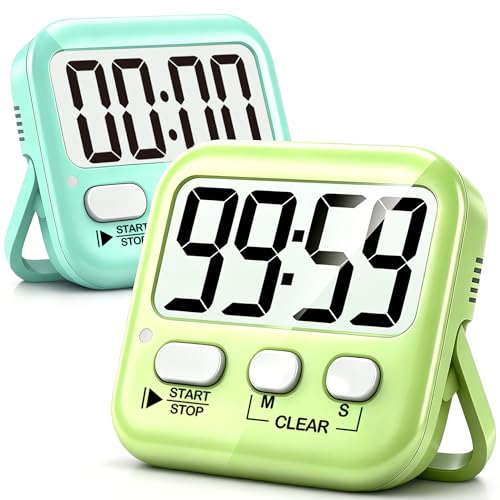
Run three 30-minute rotations through four teaching stations so every person in the room teaches one skill and picks up two new ones. Finish with a circle where everyone names the thing that surprised them most.
Bonus challenge: Before anyone leaves, ask who wants to host the next one. Hands go up faster than you'd think.
Accept this questSaves it to your list, no account needed.
Time
3-4 hours
Cost
Supplies only
Starter gear from $14
Figure $20–40 for snacks, drinks, paper and tape. Teachers bring their own materials, and the space is usually someone's living room or a building common room.
friends, a group, family · Teens 13+ welcome with a parent; adults run any station with sharp tools, hot pans or a soldering iron
Level
Beginner
Where
Indoor
Season
Year-round
About This Quest
What if your neighbors spent one evening teaching each other the things they're secretly great at? Invite 15 to 20 people, set up four teaching corners, and run three 30-minute rotations. By the end, the woman two doors down has taught you to sharpen a knife properly.
Somebody on your street can poach an egg without swearing. Somebody else can fix a squeaky bike brake, read a sewing pattern, or make a houseplant survive. Tonight they all get a corner, 20 minutes and an eager little group of learners.
You'll mark four stations, hand each teacher a timer and a caddy of markers and notecards, and rotate everyone through three sessions. You don't need to be the expert here, just the person who sends the invite and keeps snacks on the table. Your mission: get every single person in the room teaching one thing and learning two.
Why This Quest Matters
Most of us live near people whose names we barely know, even though one of them could save us a repair bill or a ruined dinner. An evening like this flips that fast. You walk in with strangers and walk out with four people you'd actually text for help. Skills are the excuse. The neighbors are the prize.
What You'll Experience
Watch the quiet neighbor shine: Someone you've only nodded at turns out to be a brilliant teacher.
Learn four things in one night: Three rotations plus your own station, all in a single evening.
Teach your own weird skill: That thing you do without thinking is fascinating to everybody else.
Hear the debrief surprises: The closing circle is where the best friendships get made.
What You'll Need
Top gear to make this quest great.
Pull it off
Painter's tape
Marks station boundaries on the floor and holds up paper signs without peeling paint off anyone's wall.
As an Amazon Associate I earn from qualifying purchases. Prices may change.
Before You Begin
The planning is lighter than it looks, and the invite does most of the work. Set your date three to four weeks out and make a simple sign-up form asking for a name, one skill they'll teach and two they want to learn. Share it on neighborhood apps, building chats and a few paper flyers in the lobby. Cap it at 15 to 20 people so each station holds four to six. Two weeks before, read the answers, group people by what they want to learn, and email everyone the schedule plus what to bring. You'll want painter's tape and paper for station signs, snacks and drinks, a timer per station, and a caddy of scissors, tape, markers and notecards for each corner.
Safety Tips
A good quest stays a good story. These are general notes; your gear's manual, the venue's rules and local law come first.
An adult stays at any station with sharp tools, hot pans or a soldering iron, start to finish. Have the teacher demo first, then supervise one learner at a time with clear floor space around the work.
If someone teaches bike repair, keep it stationary and indoors in a hallway or garage, never on the sidewalk or driveway. Put the bike on a rack or upside down on cardboard so it can't roll.
No test rides during the event. If people want to ride together afterward, everyone wears a helmet with a front and rear light on, and you stick to quiet side streets rather than fast main roads.
Plug one appliance per circuit, never daisy-chain power strips, and run every cord along a wall and out of walkways so nobody trips mid-lesson.
Follow the manufacturer's instructions for any tool or appliance a teacher brings, and check your building's rules before using a common room.
Step-by-Step Guide
1
Build Your Four Corners
30 min
Walk in early and claim the space. Mark four distinct corners or rooms with painter's tape on the floor and a paper sign naming each skill, so nobody has to ask where to go. Drop a caddy of scissors, tape, markers and notecards at each one, plus a timer. Set a snack table in the middle with blank paper where people can scribble skills they'd love to learn next time.
💡 Pro Tips:
• Put the loudest station and the quietest station as far apart as the room allows. Knife sharpening and meditation are bad neighbors.
2
The Intro Circle
10 min
Pull everyone into one loose circle before anything starts. Each person says their name, the one thing they're teaching tonight and the two things they came to learn. It takes ten minutes for 15 to 20 people, and it's the moment strangers stop being strangers. Then read out the rotation schedule so everyone knows which corner they're heading to first.
💡 Pro Tips:
• Go first yourself and keep it to two sentences. Whatever length you set, everyone copies.
3
Rotation One Goes Live
30 min
Start the timers and let it rip. Each teacher gets 20 minutes with their group of four to six, then ten minutes to wrap up and swap. The first round always feels a little wobbly for about three minutes and then the room gets loud. Drift between corners, top up snacks, and introduce people who clearly should know each other.
💡 Pro Tips:
• Tell teachers to get hands on the task by minute five. Lessons that stay theoretical lose the room fast.
4
Rounds Two and Three
60 min
Two more rotations, same rhythm: 20 minutes of teaching, ten to transition. By round three the teachers have found their stride and are explaining things better than they did at the start. Keep an eye on the station with sharp tools or a hot pan and make sure an adult is still there with one learner at a time. Nudge anyone who's drifted to the snack table back into a corner.
💡 Pro Tips:
• Give a cheerful five-minute warning at each station. Teachers always have one last thing they want to show you.
5
The Closing Circle
15 min
Gather everyone back in one circle and go around: what surprised you tonight? This is the good part. Somebody always says they came for the bread and left obsessed with electronics. Ask who wants to go deeper on a skill, and then ask the real question out loud, while everyone is still warm and standing there: who's hosting the next one?
💡 Pro Tips:
• Get a group photo before anyone starts hunting for their coat. You'll want it for the follow-up email.
6
Keep It Alive
20 min
Within 48 hours, send one email to everyone: the photos, the full list of skills that got taught, and contact details for anyone who agreed to share theirs. Then start a shared chat or document for lending tools and setting up the next swap. That one email is the difference between a nice evening and a neighborhood that actually knows itself.
💡 Pro Tips:
• Name the next host in the email if you've got one. It turns a nice idea into a date on the calendar.
You just got twenty neighbors teaching each other for an evening. Send that follow-up email within two days, and hand the next date to whoever raised their hand.
Everyone knows something worth teaching—this dinner makes it happen.
Transform dinner into a teaching circle where every guest shares a 15-minute skill lesson while you eat, building genuine connections through shared knowledge.
Street Food Swap: Host a Global Block Party Dinner
Everyone brings one dish. Everyone leaves with eight.
Invite your neighbors over for a night where everyone brings one street food dish, portioned out small, and trades it plate by plate. You'll taste eight countries in one evening, hear how each dish is really made, and end up sitting down together with a plate of everything.