Winter offers clearer LiDAR scans with bare trees; summer provides better battery life and longer daylight for extended sessions
About This Quest
Use AR overlays, LiDAR scanning, and digital mapping tools to uncover hidden layers of your city—from ghost architecture to underground networks.
Cities hide their secrets in plain sight—demolished buildings leave foundation traces, buried streams still shape street grids, old transit tunnels create temperature differences you can measure with thermal imaging. Digital tools crack these codes open. AR apps like TimeLooper or Wallame overlay historical photos onto current streetscapes. Your phone's LiDAR sensor (iPhone 12 Pro or newer) captures 3D scans of architectural details before they're renovated away. GPS logger apps reveal your exact path through alleyways that don't show up on Google Maps.
This isn't passive screen time. You're actively reading the city's source code. Walk industrial districts at dawn when delivery trucks reveal loading dock patterns. Scan Victorian rooflines to document decorative ironwork before developers strip it. Use magnetometer apps near old rail yards—buried tracks still register magnetic signatures. The best finds happen when you cross-reference multiple data sources: a thermal camera shows a warm patch on winter pavement (steam tunnel below), old fire insurance maps confirm it, and your UV flashlight reveals century-old utility markings on nearby walls.
The goal isn't just documenting what's there—it's building a personal database of urban infrastructure that most people walk past. After three months of regular scanning, you'll navigate your city differently. That slight depression in the sidewalk? Former streetcar line. The building with oddly spaced windows? Converted from a different use, and your architectural database app confirms it was a 1920s warehouse. You become a human-digital hybrid reader of urban palimpsests.
Why This Quest Matters
After a few months of regular scanning, you'll navigate your city like an archaeologist reading strata. That sidewalk depression? Former streetcar line. Those oddly spaced windows? Converted 1920s warehouse, confirmed by your architectural database. You become a walking index of vanished infrastructure, reading layers most people never see.
What You'll Experience
How to use LiDAR, magnetometers, and AR overlays to document disappearing urban features
Which architectural details reveal a building's original purpose and hidden modifications
How to cross-reference thermal, magnetic, and visual data to locate buried infrastructure
Building a personal geospatial database that makes invisible city history searchable
LiDAR scanning, GPS logging, and AR apps drain batteries in 90-120 minutes; this keeps you operational for 6+ hour urban exploration sessions without hunting for outlets
Captures fine details like century-old maker's marks on bricks, oxidation patterns on copper flashing, or tiny date stamps on utility covers that regular phone cameras miss—critical for documenting architectural provenance
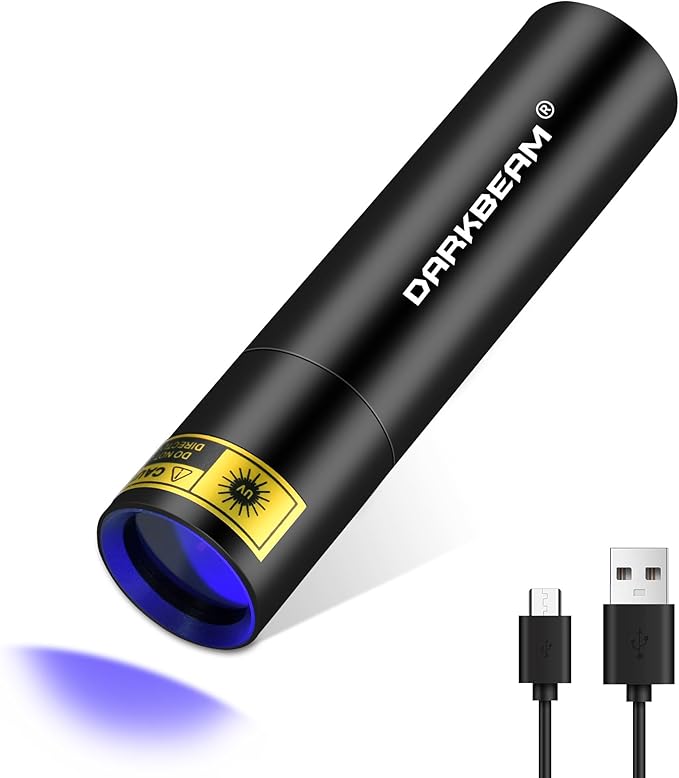
Reveals hidden utility markings, old painted-over signage, surveyor marks, and industrial stenciling invisible to the naked eye—unlocks a secret annotation layer cities left behind
As an Amazon Associate I earn from qualifying purchases. Prices may change.
Step-by-Step Guide
1
Load your digital toolkit
Download a LiDAR scanner (3D Scanner App or Polycam), AR history overlay (TimeLooper or local historical photo apps), GPS logger (OsmAnd or Gaia GPS), and magnetometer app (Physics Toolbox Magnetometer). Pick a 6-block zone with pre-1950 buildings, demolished areas, or old industrial remnants. Pre-load historical maps from your library's digital archives or David Rumsey Map Collection.
💡 Pro Tips:
• Offline-capable GPS apps keep working when you're deep in industrial zones with spotty service
2
Scan facades systematically with LiDAR
Start your GPS logger and walk every block, holding your phone 10-15 feet from building faces to capture architectural details. Target elements likely to vanish: decorative cornices, original signage, unusual brickwork, utility access points. At intersections, launch AR overlays to compare current views with historical photos and screenshot the differences.
💡 Pro Tips:
• Strong side-lighting in early morning or late afternoon reveals brick texture that overhead sun erases
• Mark street grid discrepancies—they expose filled creeks and demolished buildings
3
Hunt underground infrastructure with magnetometer
Wave your phone's magnetometer near sidewalks above suspected subway lines, utility vaults, and old rail beds. Strong ferrous readings mean buried metal. Cross-reference hits against historical transit maps and mark anomalies with timestamped GPS notes.
💡 Pro Tips:
• Old rail yards produce magnetic signatures decades after tracks are removed
4
Capture dual documentation of finds
For every discovery, take both a LiDAR scan (preserves exact measurements) and standard photos (captures weathering and texture). Tag each with precise GPS coordinates. These pairs become entries in your personal urban database.
💡 Pro Tips:
• Photograph utility markings with a UV flashlight—century-old paint fluoresces differently than modern coatings
5
Build your searchable urban archive
Export your GPS track as a KML file and overlay it in Google Earth alongside your LiDAR models. Upload 3D scans to Sketchfab or a personal archive. Create a spreadsheet linking GPS coordinates to photos, scans, and notes—this becomes your queryable intelligence layer for the city.
6
Revisit in different conditions
Return to the same zone across seasons and times of day. Morning light exposes brick textures; winter snow reveals building heat loss patterns; rain highlights drainage flows. Multi-visit datasets show how structures interact with environment and time, deepening your understanding of each site.
LiDAR scanning, GPS logging, and AR apps drain batteries in 90-120 minutes; this keeps you operational for 6+ hour urban exploration sessions without hunting for outlets
Captures fine details like century-old maker's marks on bricks, oxidation patterns on copper flashing, or tiny date stamps on utility covers that regular phone cameras miss—critical for documenting architectural provenance
Phone lens attachment with 15x-25x magnification for extreme close-ups
Reveals hidden utility markings, old painted-over signage, surveyor marks, and industrial stenciling invisible to the naked eye—unlocks a secret annotation layer cities left behind
Ultraviolet flashlight specifically at 365nm wavelength for optimal fluorescence detection
Detects temperature differentials revealing underground steam tunnels, buried utilities, HVAC exhaust patterns, and structural heat loss—shows the city's thermal signature invisible to normal vision
FLIR One or Seek Thermal infrared camera that plugs into smartphone
Architecture Scavenger Hunt: Decode Your City's Hidden Design Language
That building you pass every day? It's been screaming details at you that you've never noticed.
Hunt for architectural details hiding in plain sight—corbels, keystones, terra cotta faces, and century-old brickwork patterns that tell your city's real story.
Stop winging it in abandoned spaces—learn the difference between exploring safely and just getting lucky.
Learn essential urban exploration safety protocols, risk assessment, and technical skills from experienced urbex practitioners. Hands-on training for abandoned building navigation.
The best food in your city isn't on Yelp's front page—it's where rent is cheap and menus aren't in English.
Navigate your city's authentic food scene through ethnic markets, street vendors, craft breweries, and neighborhood joints that locals actually frequent.